WoVO Player
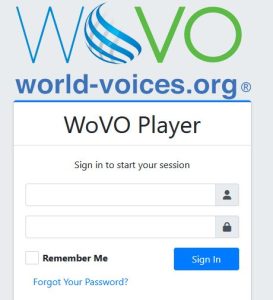
To refresh on using your FREE WoVO player, please refer to the email invitation sent to you with your player login info when your membership was approved and accept the invite – otherwise, you will not have access to the player. Go to the WoVO Player page here and log in using the login info emailed to you. Use the “Forgot Password” option to reset your password.
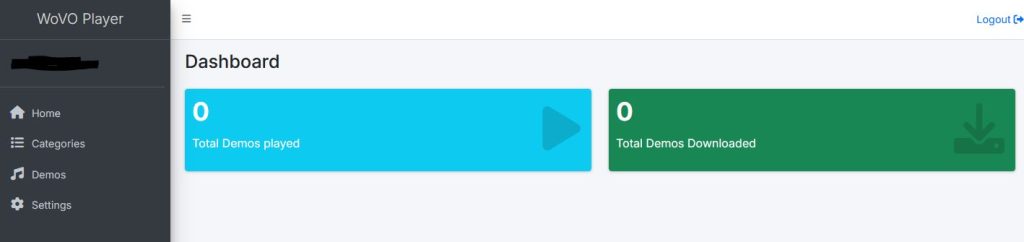
You will then see your dashboard.
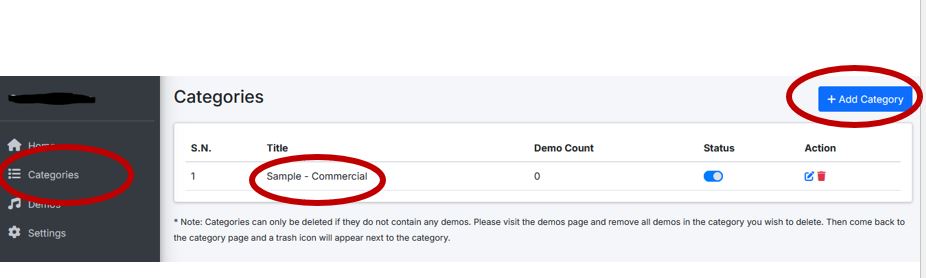
To add “Categories” of demos, select Categories from the left-side menu, click “Add Category” and your new category will be added to the Title section of your dashboard.
To add demos to your categories, select Demos on the left-side menu, and add demos/cut-down tracks to your specific categories using the instructions provided on the site:
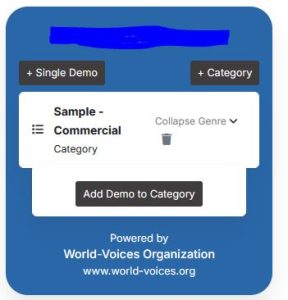
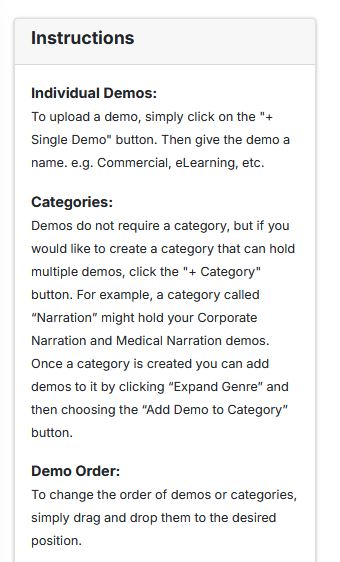
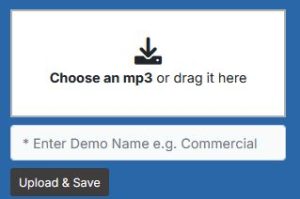
To edit the looks of your player (ie colors), use the settings option on the left-side menu:
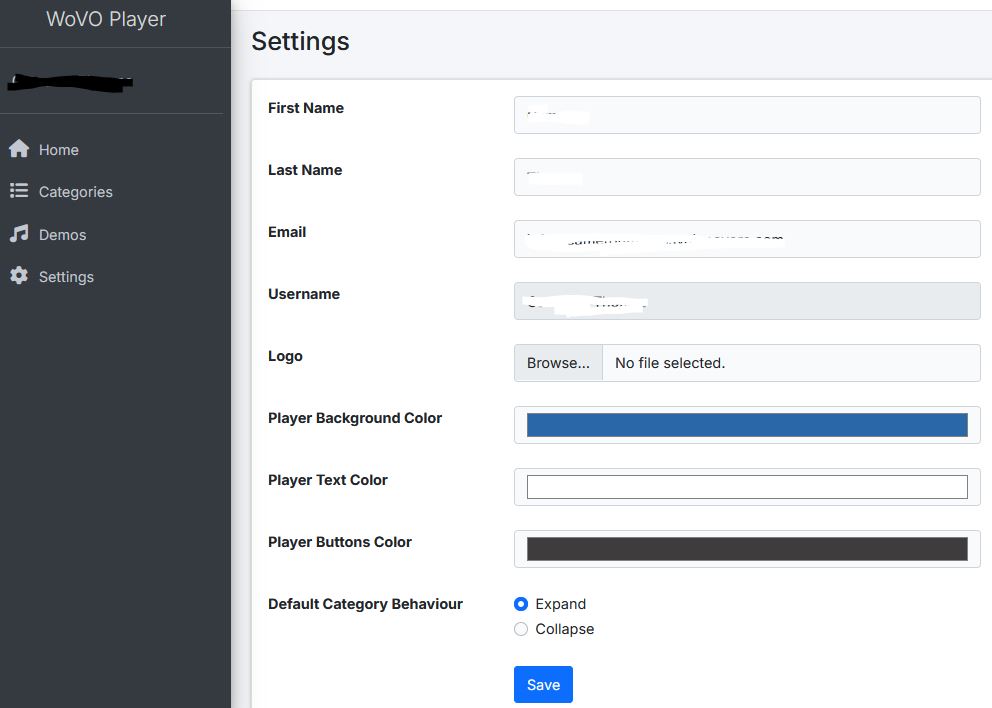
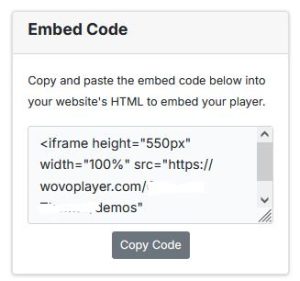
Once you are satisfied with the looks of your player, use the code on the right side to either embed into the demo section of your website or to send to your website developer.